

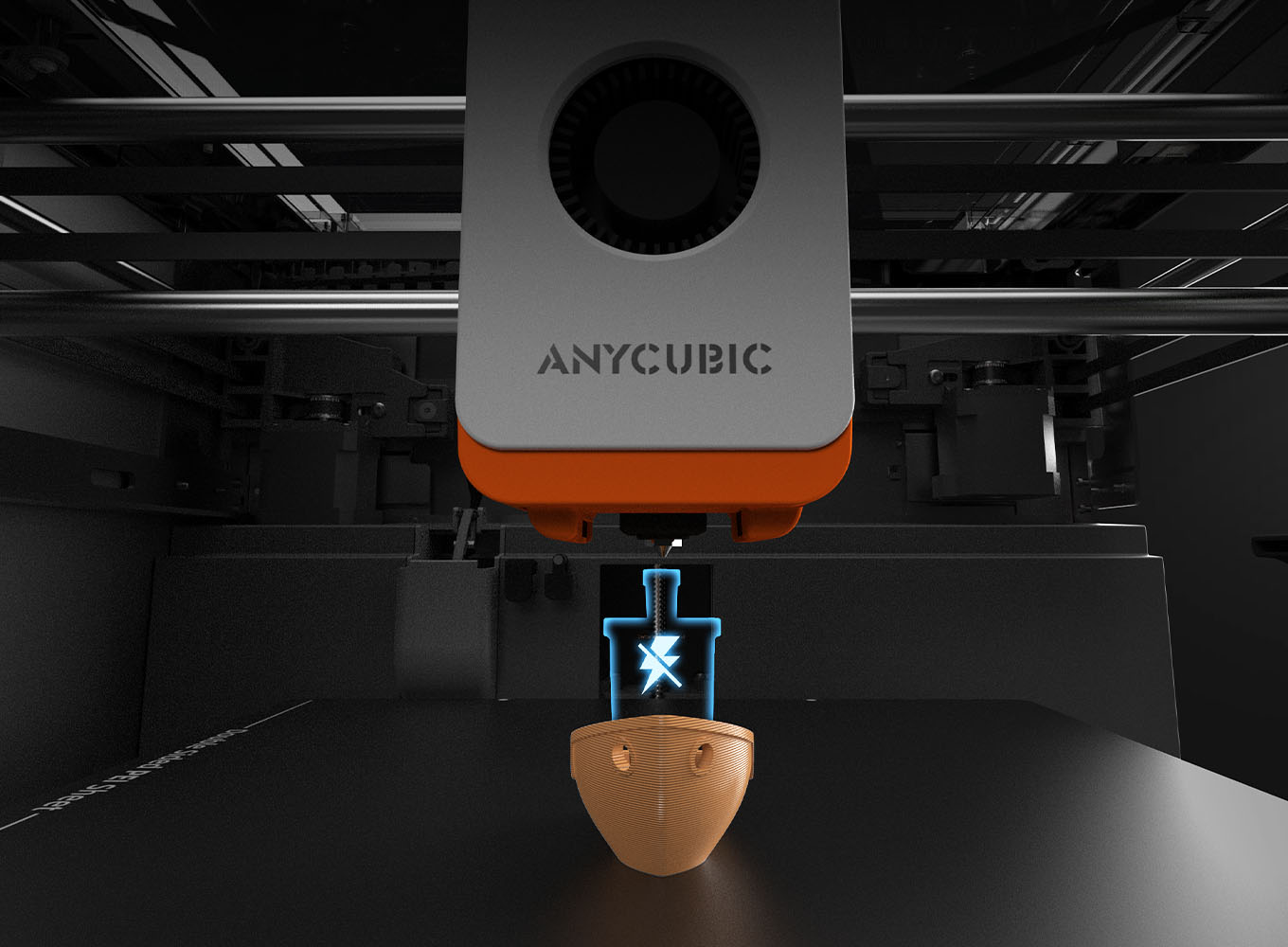


Very good printer awesome quality and keeps up with more expensive models. Well done anycubic. Also highly recomend the s1 max combo too

 Login
to unlock Prime Price
Claim Prime Price at Checkout
Login
to unlock Prime Price
Claim Prime Price at Checkout
Couldn't load pickup availability





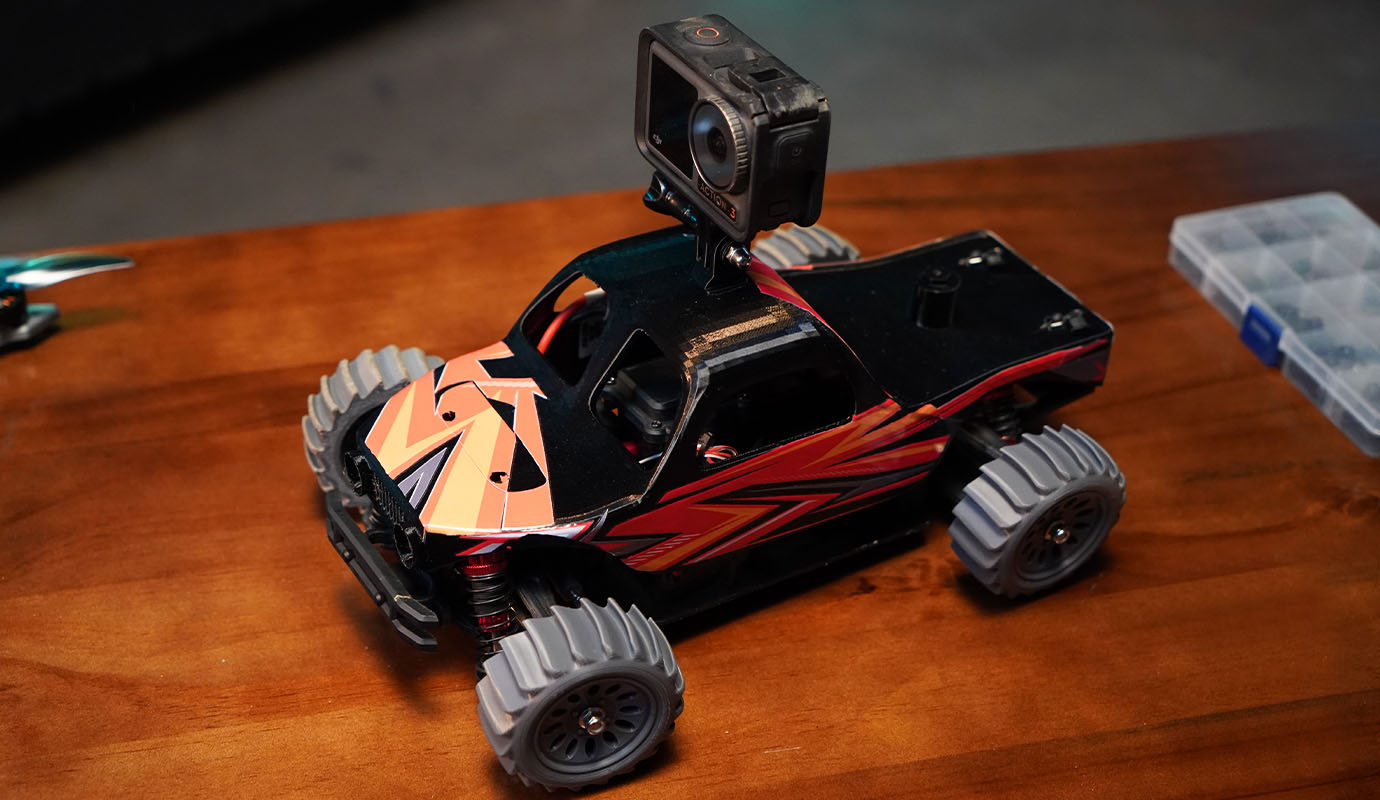
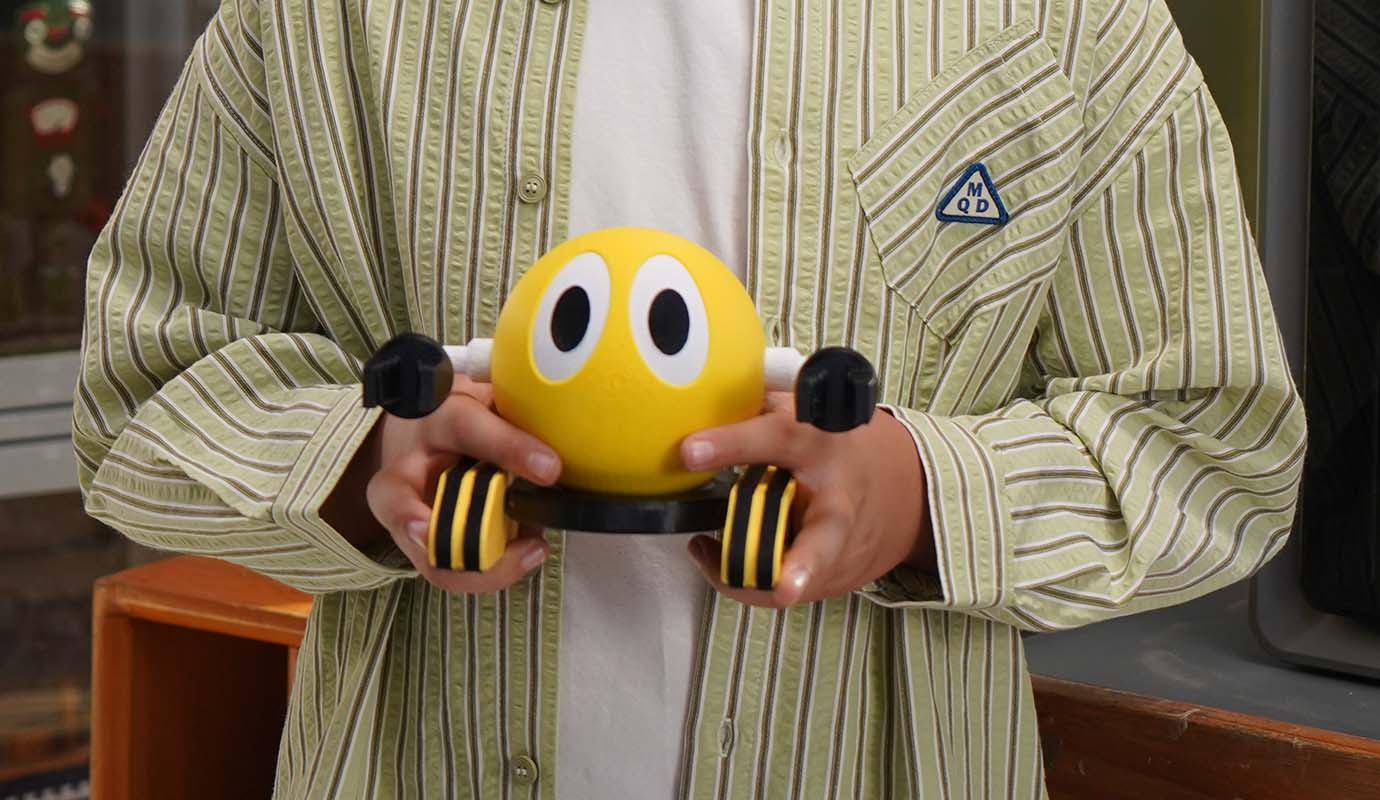
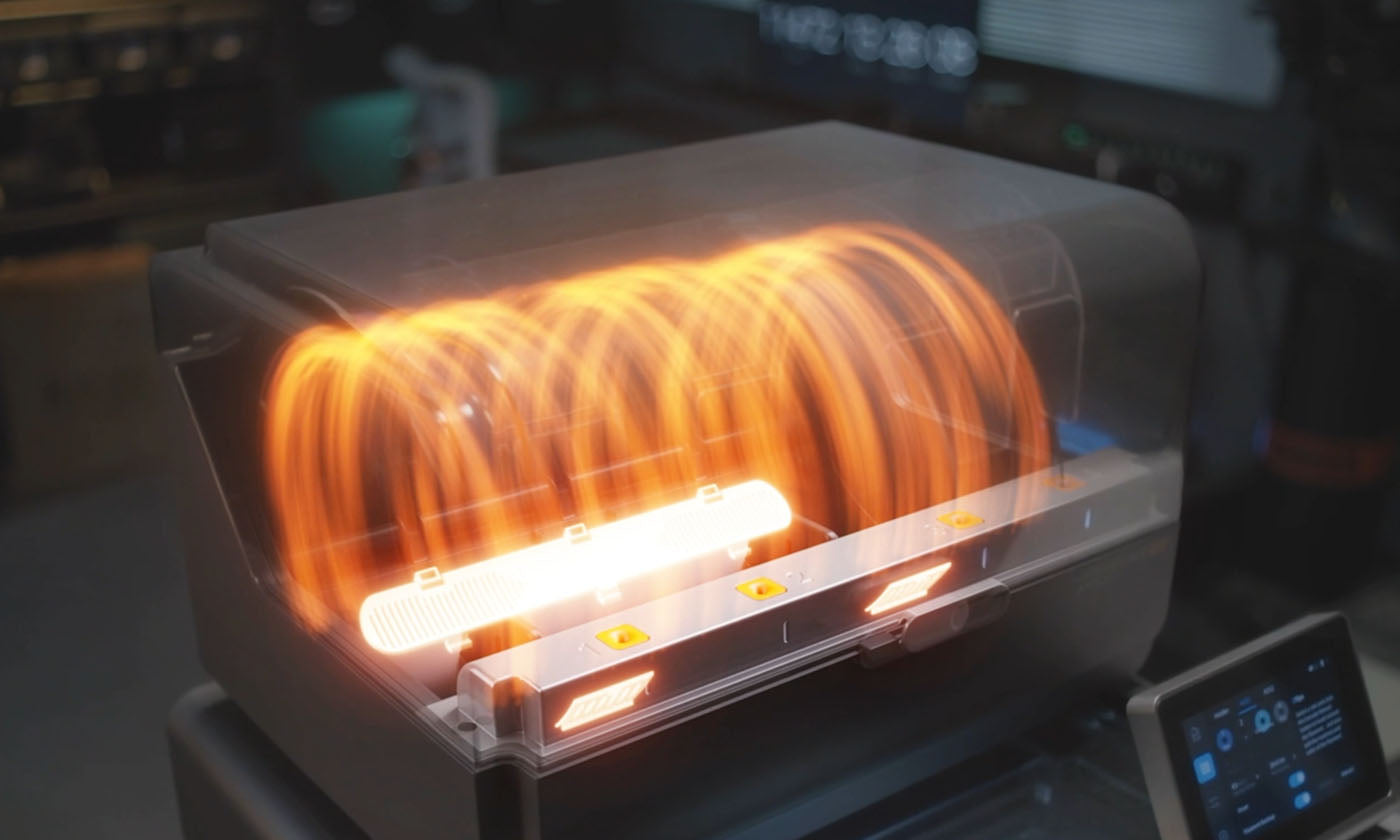
Drying & Printing at the Same Time

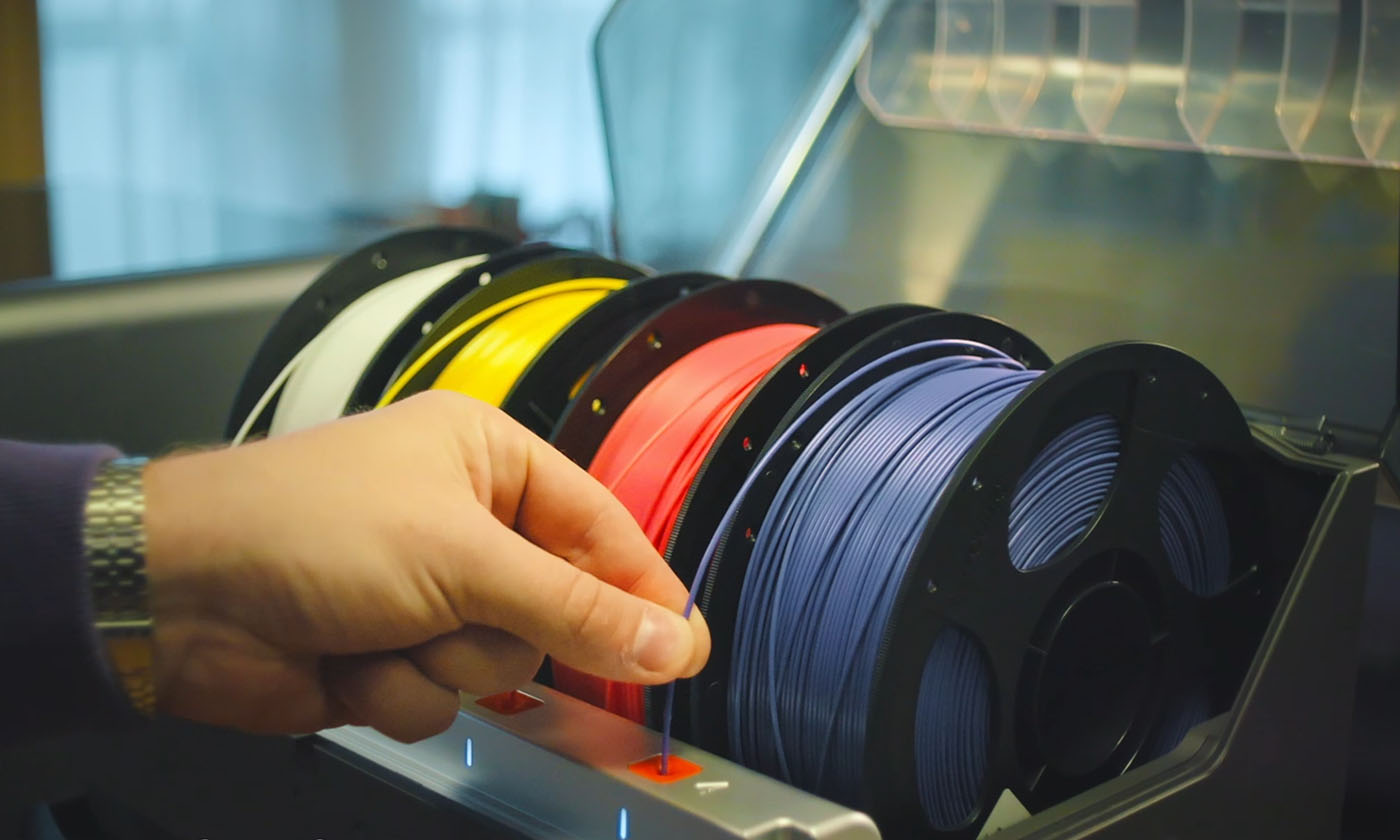
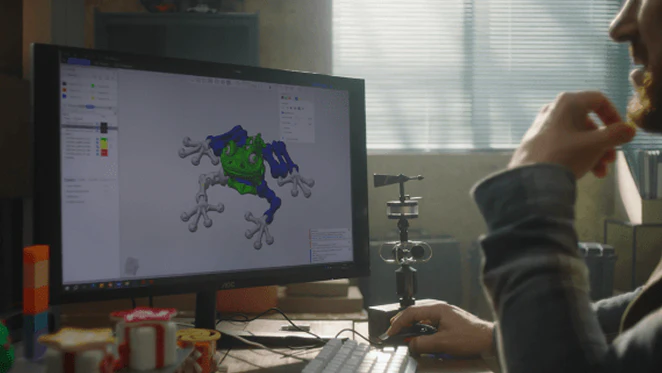
Vibrant 8-Color Printing

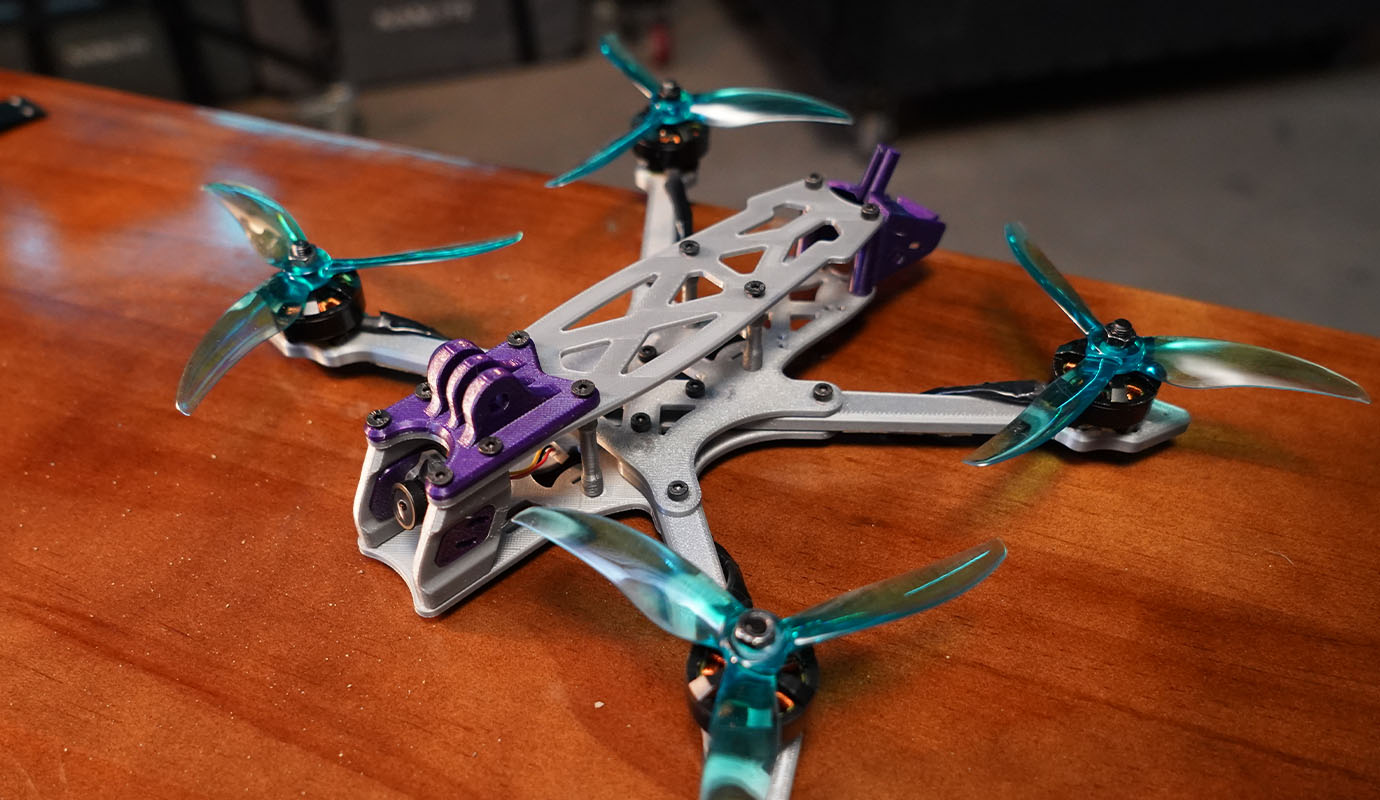
Compatible with all Major Filaments

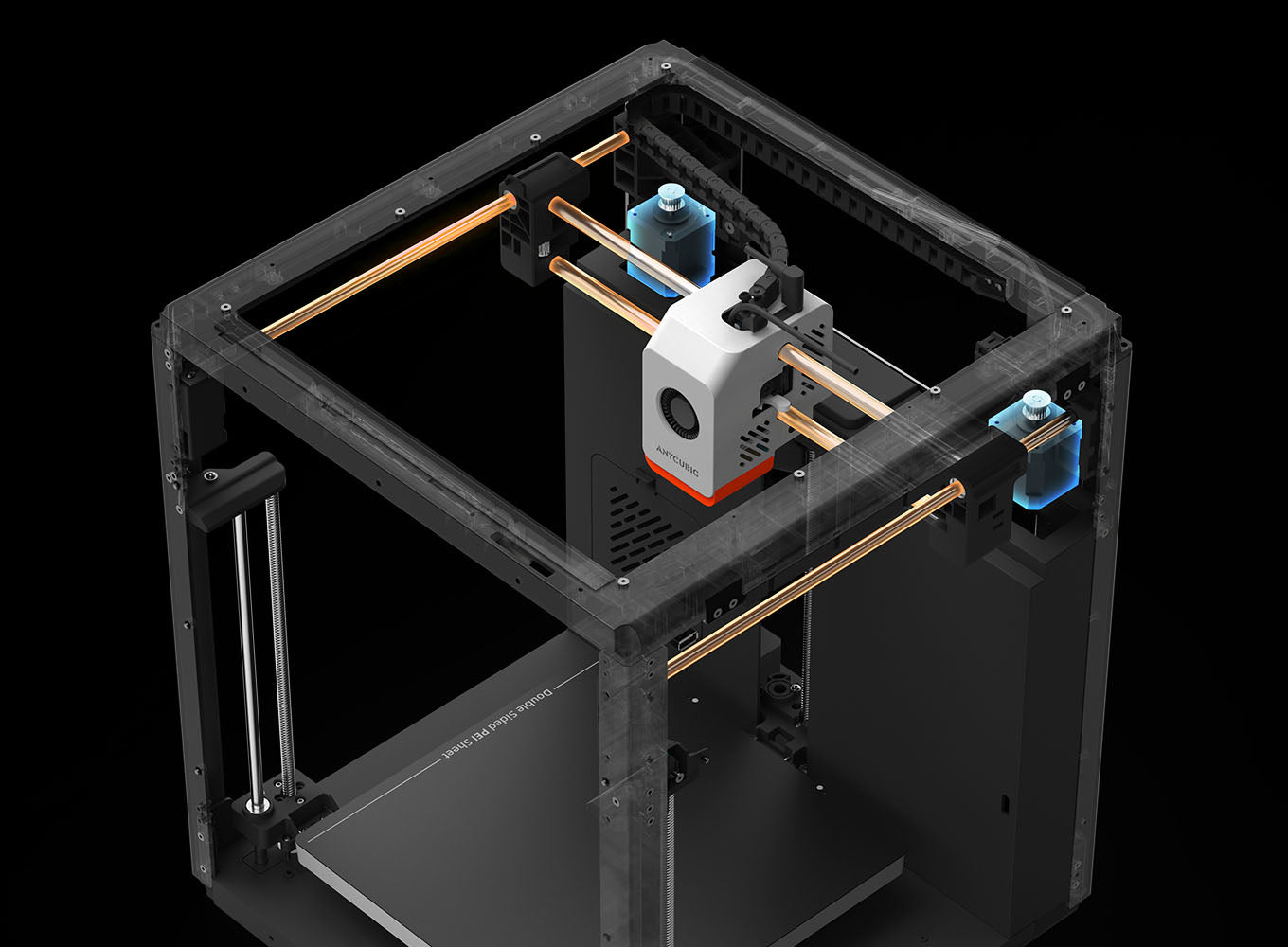
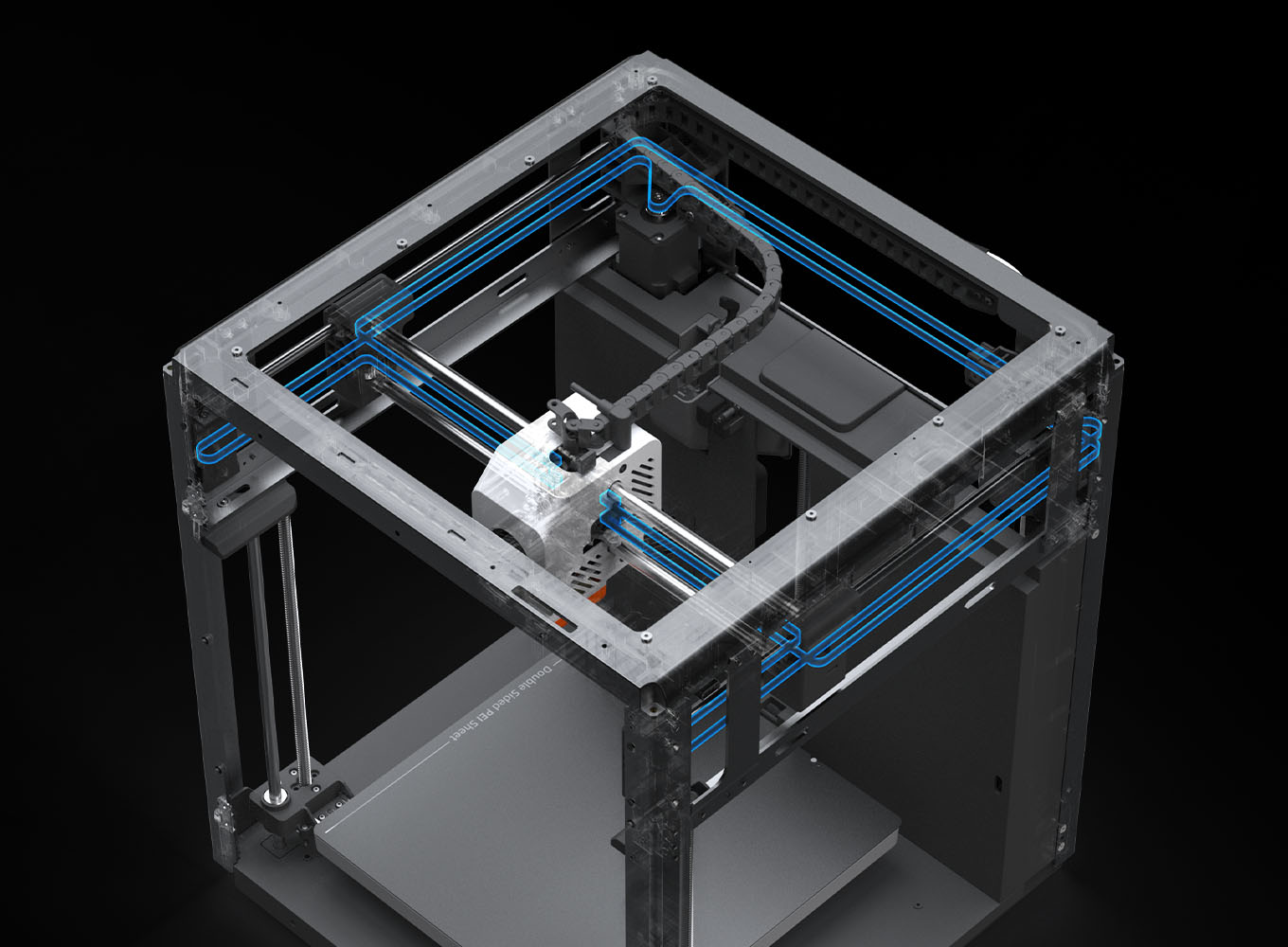
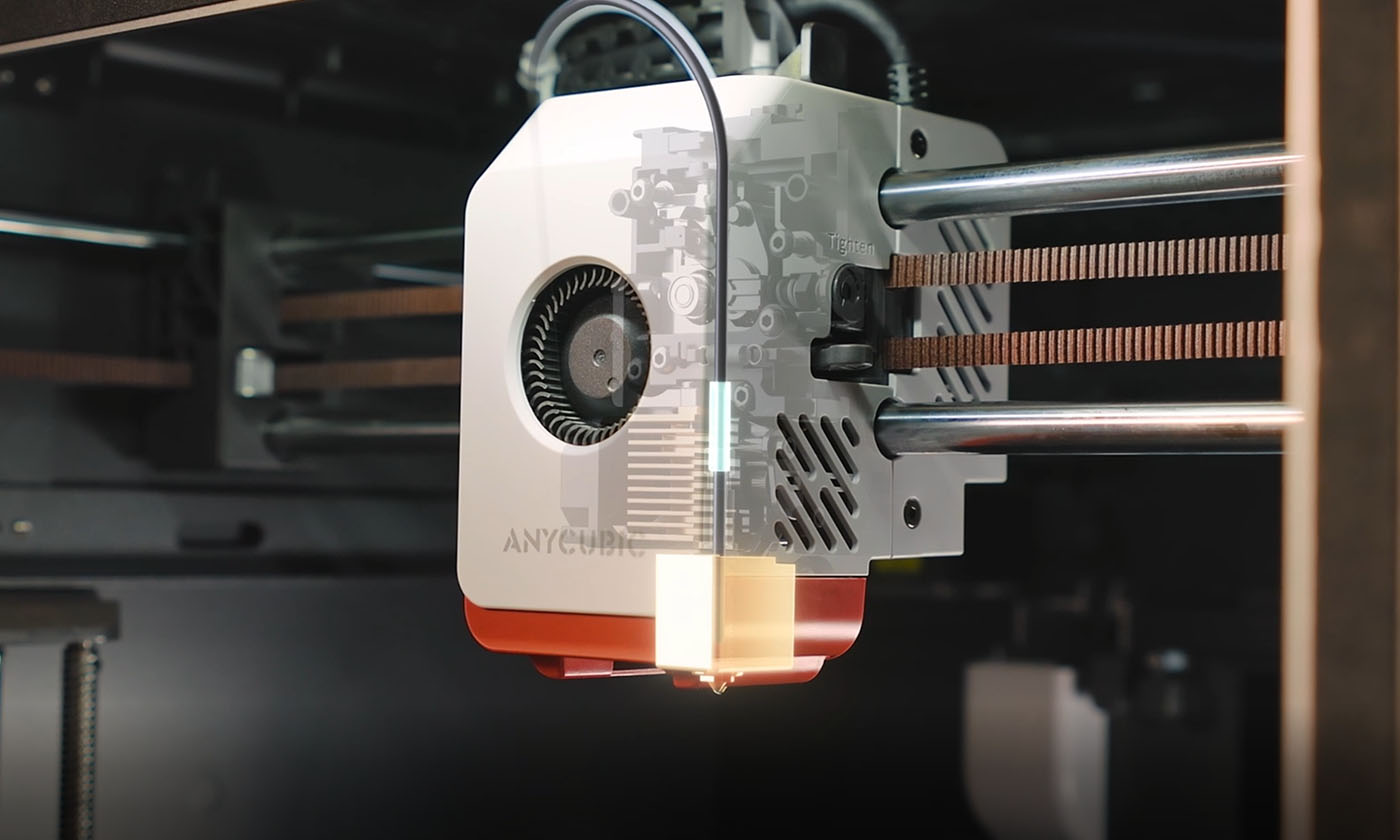
Fully Enclosed Core XY Construction

Printing Speed Up to 600 mm/s

320 °C Hotend, 44 dB Quiet Print Mode
Overall rating: 4.9 / 5 from 396 reviews.
Very good printer awesome quality and keeps up with more expensive models. Well done anycubic. Also highly recomend the s1 max combo too
Great piece of kit

Really enjoying this Kobra S1

Great printer , my second Anycubic, no regrets , fantastic straight out the box .
Amazing performance straight out the box, I have replaced an older FDM printer with this one and really couldn’t believe the ease of setup and print quality.
Great experience with customer service when I had to rearrange delivery. The printer is superb, easy to get going and I am still discovering all the things I can do with it!
Brilliant had a week now got a fee prints iff it.
I bought this for my son's birthday, its not for a few weeks so when hes used it I will upload a video, im so happy with my purchase it dose look amazing I know my son will be happy with it

Although I’m new to 3D printing I find using Anycubic machine very intuitive and have even created my own model in freecad and made a successful print. Great price, Great quality and Great printer
Really good quality easy to use

Great printer

It was so easy to set up and start making this is my first printer and can’t wait to start designing my own stuff to print
Delivery was fast and setup was easy, 1st print was better than expected for this price range.

Fantastic printer!!!!

I’m just getting started with 3D printing, and so far my experience has been really positive. Using the Kobra S1 Combo has turned out to be super easy and intuitive, even as a beginner. I’ve only run into three clogging errors so far, but the printer handled them on its own without any real issues. Overall, it’s been a smooth and stress-free start, which definitely makes learning a lot more enjoyable.

Great machine and support

This is my second S1 Combo and a great piece of kit for fast multicolour printing
Easy to set up. I printed my first Benchy within 15mins. I have used the Kobra to print quite a few prototype brackets and I was able to make sure they final version was perfect. No need for expensive design studios and fabricators
Love the machine it arrived within the given timescale and the quality is great. However, Just waiting on service now to replace the broken hotend so i can carry on printing.

Easy to unpack, easy to setup, prints like a monster; unstoppable!

Amazing printer, way better than expected!! 50hrs already in and no issues
All you need in the box, add some fillament and start printing. This is my first 3D printer and all went well from the 1st second on. Love it
Set up was easily done and I printed straight away. All to really good quality.

Fantastic easy to set up. Very pleased with it
Great to use straight out of the box.
Arrived in good condition and well packaged. Easy to set up and all prints have been superb. The app works well and is easy enough to use.

Love it

It’s that good a got another one
Kids particularly enjoying printing with the S1. Multi filament prints are a cinch and setup and printing has been quick and simple. Had a couple of occasions when I've had dismantle the filament tubes due to broken filament which isn't the easiest, but once rectified it works fine once again.
Easy to set up and use. Brilliant
Great product!

Lovely machine. New to 3D printing and this machine is perfect for first time users. So easy to set up and use. Works perfectly.
Love the printer. The delivery was quite late with the filament delivered days after the printer so I could not try it out until he filament arrived.

So easy to go on the site find what your after and track it so you know when its coming. And my printer the korba s1 so easy to set up and use with the app its even easy to use when your not even in the home for some one like me who's not very computer friendly its easy to set up and print

I love the printer, its great to see what it can do.
Excellent bit of kit, my second Anycubic, fast delivery, especially considering Amazon would not sell the exact same one to me because it was too heavy to send???? Not used yet, looking forward to it when I get the chance.

Great printer, works straight outthe box and has a great multicolor system.
My First Printer, and nearly 200 hrs in its performing amazingly. i love it.

Nice printer👍

First ever 3d printer Setup was faultless using the provided video and guide Amazing how much you can print Love it so much I have already purchased a kobra X