

100,000+
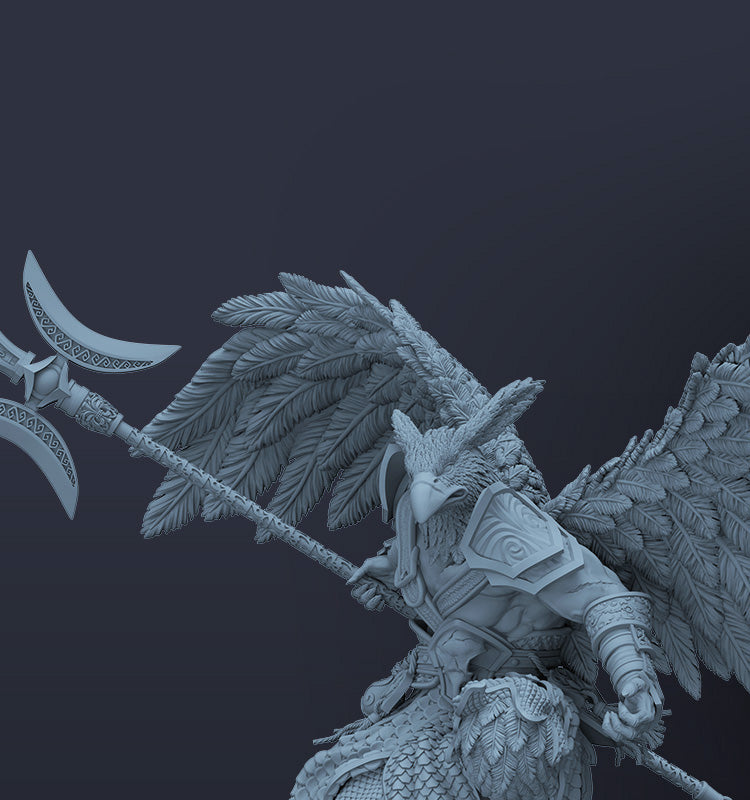
Free Models
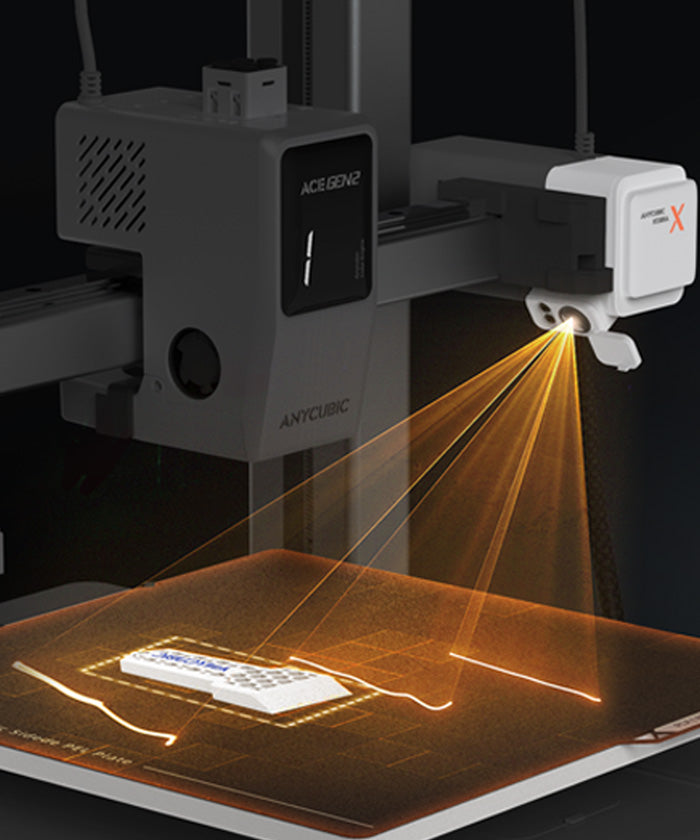
One-click printing with pre-configured profiles on MakerOnline.

Couldn't load pickup availability






From the Kobra X Challenge — explore real prints created by users around the world.

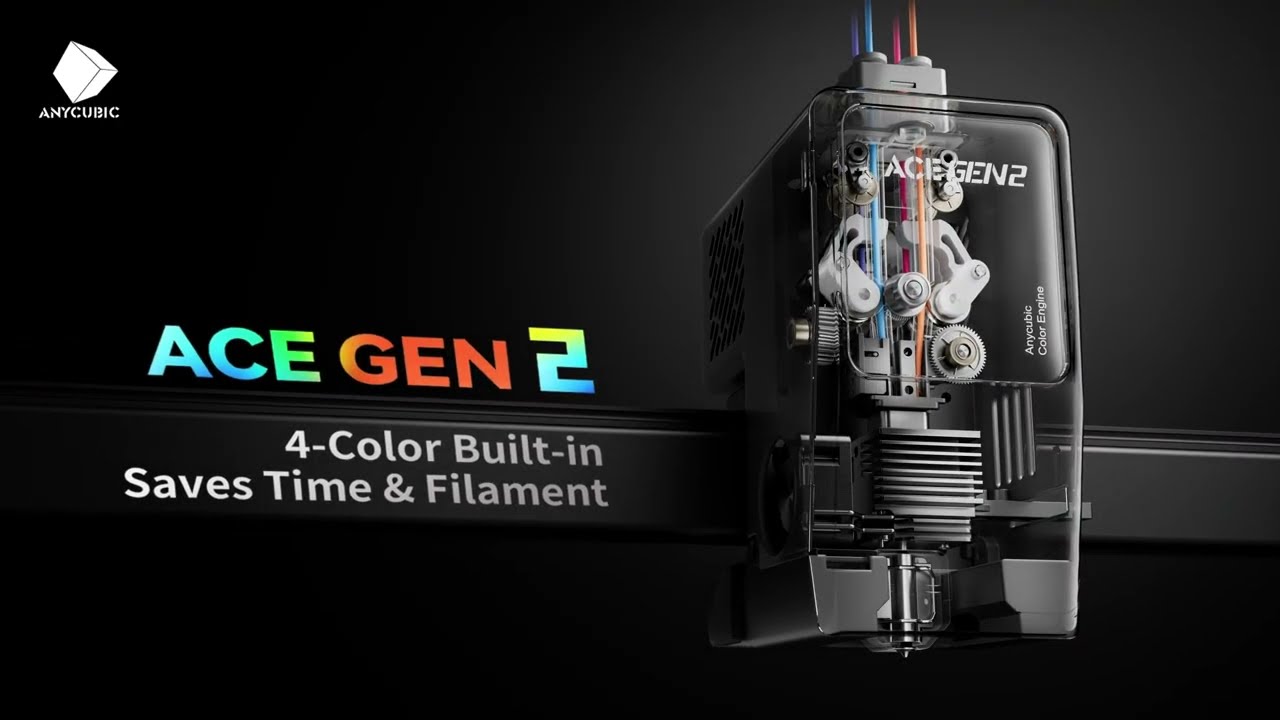
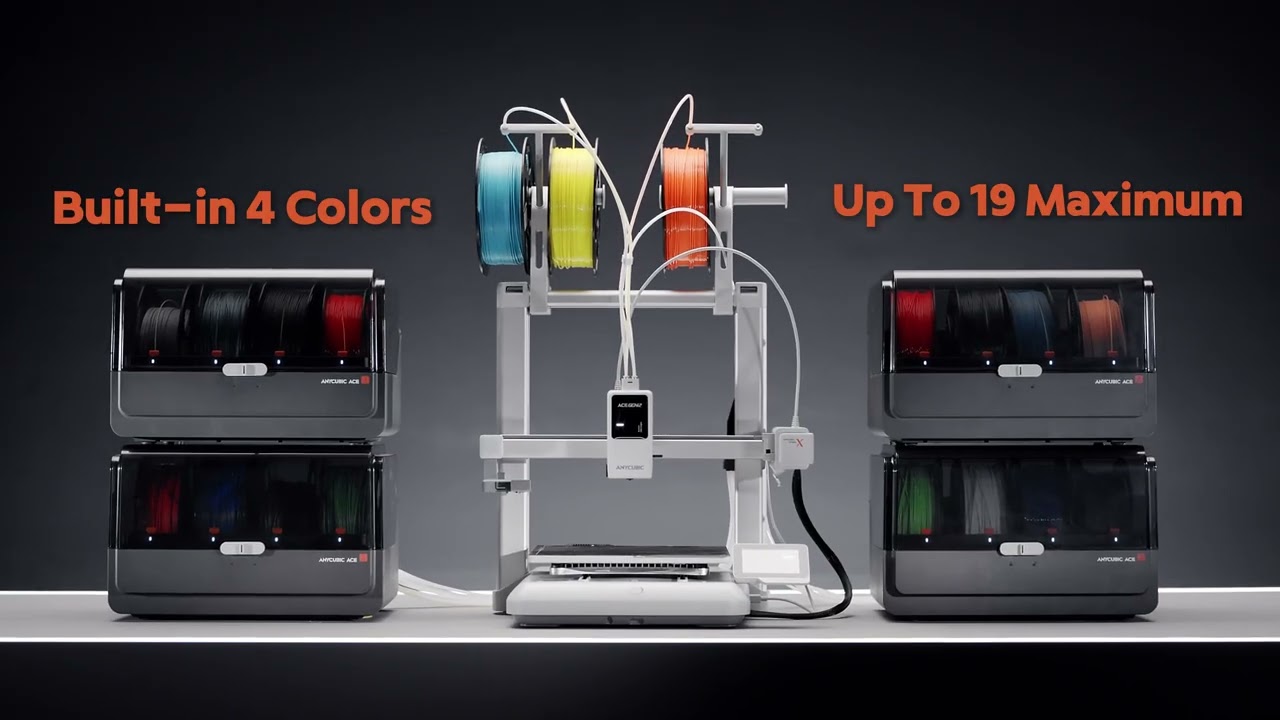
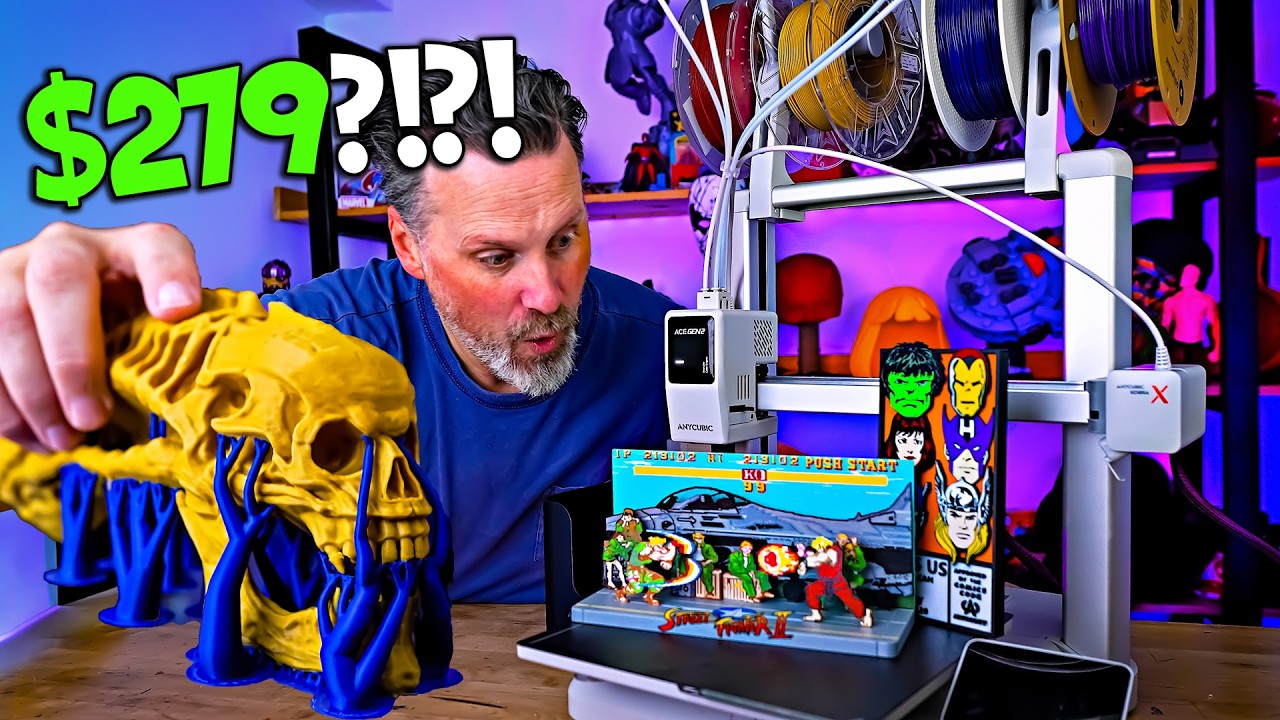
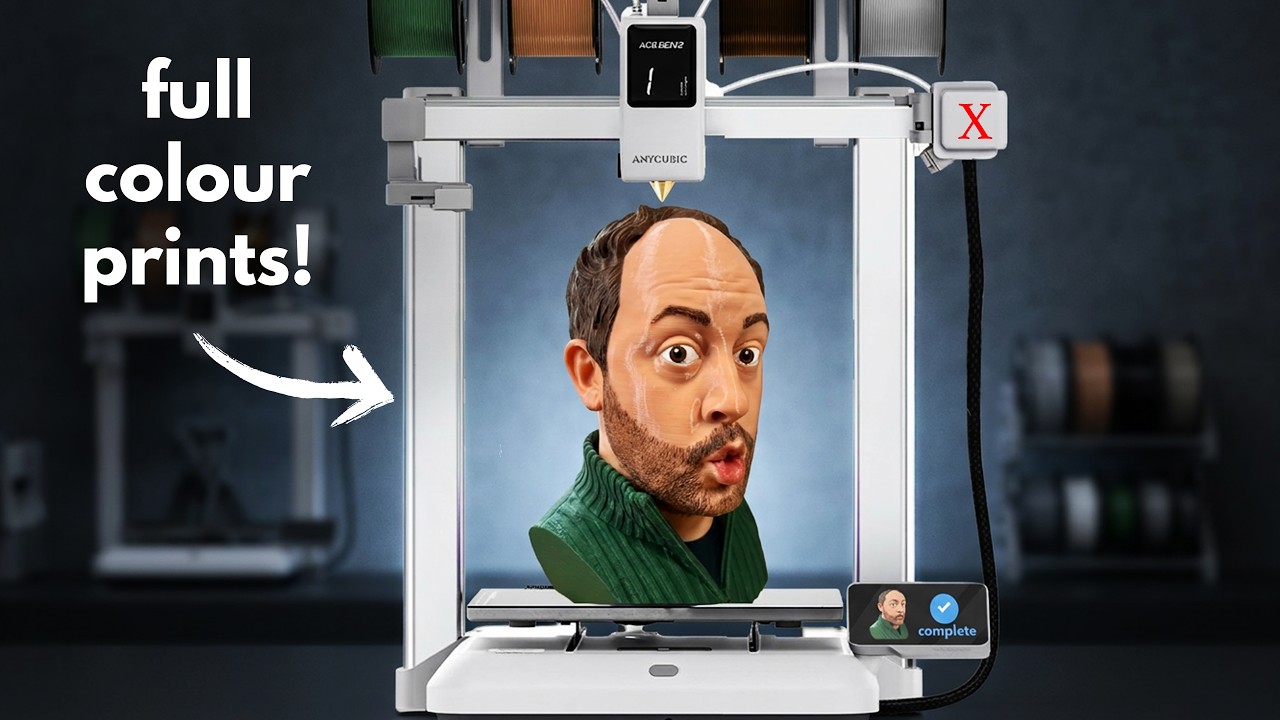


The ACE GEN 2 technology at the core of the Kobra X reduces multicolor filament change length by a massive 81.25%. This not only dramatically cuts print time but also cuts filament purge waste, turning every spool into a more cost-effective success.


Print 12 times faster and save up to 80% print time.


Faulty parts are skipped to ensure printing efficiency.

After power recovery, the system picks up where it left off and continues to print as if nothing had happened before.


1. Gantry Frame
2. Printer Base
3. Power Cord
4. Spool Holder Shaft (4 pcs)
5. Spool Holder (2 pcs)
6. Purge Wiper & M3*8 (1 pc)
7. M5*30 (8 pcs)
8. Cable Clip (1 pc)
9. Teflon Tube (4 pcs)
10. Filament Sample
11. Grease
12. Nozzle Cleaner
13. 4.0 / 2.5 / 2.0 & Magnet
14. Decorative Cover (2 pcs)
15. Cable Cover
16. Printing Board
17. Application Brush
18. User Manual
Overall rating: 4.9 / 5 from 383 reviews.

Delivery on time. Printer was packaged well and easy to set up
My first 3d printer. Very impressed and easy to set up and use.
great device

Wife bought me this for my birthday as I already had an adventurer 5m pro but that is only single filament. Now I have the Anycubic Kobra x and now I can print all kinds in different colours together. I’m new to 3d printing and wished I’d have got this printer first. Excellent machine.

The anycubic Kobra x is a easy to use printer. LOVE IT.
I started my 3D printing hobby with an Ender 3 Clone, then I inherited an Anycubic Kossel from my late brother and I loved it. After trying the new Kobra X I don't think I can go back to those kind of printers. 3D printing is much easier now! Love the new Kobra X.

Great printer I have 2 now
As a replacement for my old printer this has so many more features that makes it a revelation over my previous machine. Speed, camera, multicolour (not tried yet), vibration testing. Sending prints via WiFi. 5* so far. As I use it for my model railway projects there is a lack of suitable files available but I enjoy designing my own items. For my needs this printer is ideal at this price.

What a great little printer. Easy to use, and reliable so far. Only downside I would say is the webcam and its positioning

Setup and printing within the hour. First time using a 3d printer and it was simple to use and the mobile app works well.
Simply plug and print

Great
Great printer. Worked straight after setup. So easy to use. I love the fact that the multi colour option has made one little grandson so happy with his printed dragon.
Was a present for my grand daughter she really loves the printer and is having great fun finding all the things she can do with it and make.

Not had any problems with these spools well worth it

Love my new printer. It didn't work straight out of the box, but Anycubic's customer service sorted my issue quickly and it was running within the week!

I bought it as so I could do some multi coloured prints, and so far I have had no problems with the quality and no failures, just wish the PEI bed had a smooth side, as I use a filament that's a pain to remove from textured beds (sticks too well, I still have to use the old printer for that one). Want to add an additional AMS so can have more colours.

going to sell my Bambu ps1 printers
it's great
This in addition to my old anycubic s. Its so much quicker and easy to use. Great product

Around 25hrs of printing so far, been faultless. Really looking forward to get the most out of this printer.

Excellent multicolour printer for the money. Great entry point for people new to the hobby.
Ordered a second one ,they are great easy to use and maintain,customer service is good and reliable. Only the thin wires let it down as they need care not to snap.

So far great had a mishap with a filament in a knot on the wheel which caused it to snap during a print. I had to in ravel it all and re wrap it and not had an issue since.
I have only had it a few weeks, but it's great. Apart from a few models I haven't done much. I did print a replacement part for a duelscan flap. I tried to order it online and it was discontinued. That was a benefit to having the printer

Absolutely phenomenal printer for a fantastic time. Upgraded from an anycubic mega pro to the kobra x and cannot beleive the diffence. Looks fantastic, prints fantastic with a fantastic user interface and software.

Really neat printer got it running in about 15 mins to screw all together and then ran calibration did a few test prints out great and downloaded a waste bin to fit. All good so far just awaiting my ace2 I ordered.
Far better than I hoped, and placed anycubic far in the lead for budget printers.
Very well informed from ordering to delivery I knew exactly what was happening every step of the way. The unit was extremely easy to put together and although I have only printed the samples it performed flawlessly and I expect it to continue to do so

Arrived quick, great customer service and after sales. Prints great straight out the box

Easy to and perfect
Amazing experience
Good machine good value
Printer is great
I'm really happy with the printer and the new ACE, for the price for a casual hobbyist there's nothing better.
A++
Great printer

Some prints , great start into the world of 3d printing and at this money I couldn’t go wrong
Very quick delivery, printer is just perfect. Thank you!
Great price for a great machine